
Quick answer: When working at a screen, the National Eye Institute (NEI) suggests the 20-20-20 rule: about every 20 minutes, look at something around 20 feet away for at least 20 seconds. Add comfortable screen placement, natural blinking, and appropriate professional eye care for persistent symptoms.
Your screen may be where you work, read, talk to family, shop, or learn new skills. After a long session, eyes can feel tired or uncomfortable, and the tempting response is to buy a gadget promising an instant fix. An easier starting point is to build brief breaks into the way you already use a computer or phone.
This guide focuses on visual breaks and comfort. Our separate home-workspace guide covers chairs, keyboards, and monitor layout for overall ergonomics. Both can help you think about comfort, but neither treats an eye disease.
What the 20-20-20 rule actually means
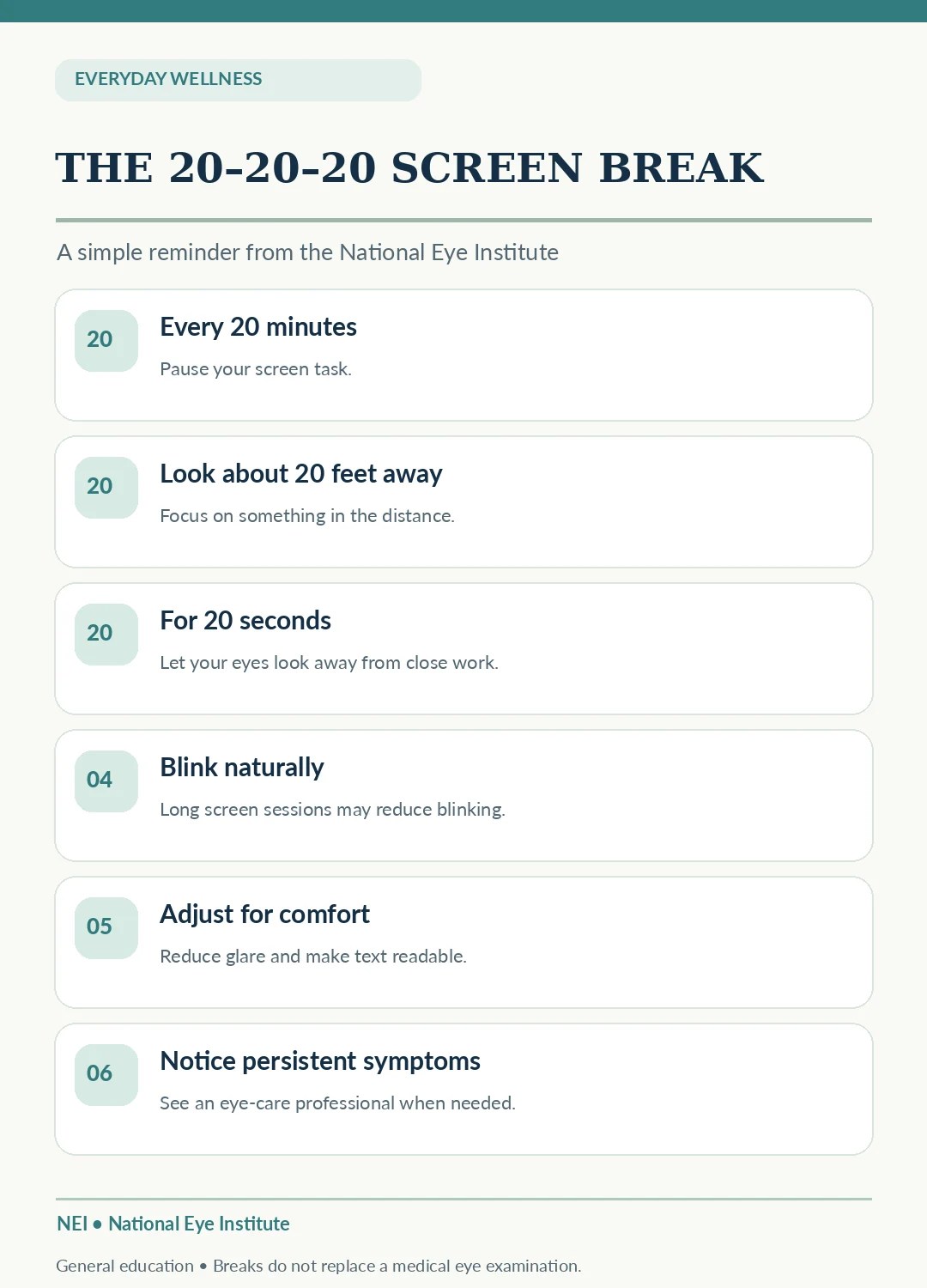
The NEI explains that focusing on screens for a long time can tire the eyes. Its suggestion is straightforward: every 20 minutes, shift your gaze toward an object about 20 feet away for at least 20 seconds.
The numbers are a memory aid, not a guaranteed clinical treatment. Looking into the distance may help give your eyes a break from sustained close focus; your symptoms and underlying eye health still matter.
1. Choose a reminder you can maintain
You might already have a natural interruption between meetings or reading chapters. Place a small reminder near the monitor or use a gentle timer if it helps. If notifications become more distracting than the screen itself, choose a less intrusive cue.
A useful reminder can be ‘look toward the far side of the room or out a window’ rather than forcing yourself to measure an exact distance. Follow the main idea: regularly rest your eyes from close-up viewing.
2. Make the twenty seconds count
When the reminder arrives, stop concentrating on tiny text and glance into the distance. You do not need to close your eyes, perform complicated exercises, or stare at the sun. Choose a comfortably distant object and relax your gaze.
If you wear bifocals, progressive lenses, or other vision correction, follow the guidance of your eye-care professional. The viewing position that works best varies with the person and task.
3. Remember to blink normally
People sometimes blink less while concentrating on digital tasks, and dry-eye symptoms may make the experience more uncomfortable. Make a habit of allowing natural, complete blinks when moving between tasks.
Do not rub irritated eyes repeatedly. Over-the-counter drops, medications, or treatments are not necessary for everyone; discuss persistent dryness, contact lens irritation, or eye pain with a qualified professional.
4. Make the display comfortable to read
Increasing the font size, improving contrast, moving the screen to a comfortable location, and reducing distracting glare may help you avoid unnecessary squinting or leaning. OSHA workstation advice also emphasizes viewing distance, lighting, and a monitor position that suits the user’s needs.
You do not need to purchase a specific blue-light product to follow the NEI’s simple screen-break advice. Separate a seller’s advertising claims from verified health recommendations.
5. Use breaks during phone and tablet use, too
A short break is useful for sustained close viewing whether you are working on a desktop computer, reading on a tablet, or scrolling on a phone. The principle can become part of ordinary transitions: finish a page, look up, blink, and then return.
Screen breaks should not distract from vehicle operation or tasks requiring constant attention. Make changes only when it is safe to pause.
6. Know what screen breaks cannot do
Twenty-second breaks are not a substitute for a comprehensive eye exam, updated glasses, or professional assessment. Eye discomfort can have many causes, including dry eye, incorrect prescriptions, migraines, eye disease, or other conditions unrelated to screen habits.
New vision loss, severe eye pain, sudden flashes and floaters, or other worrying symptoms may require prompt medical attention. Do not wait for the next scheduled break to ask for help.
A realistic workday example
Before starting: Make text easy to read and reduce glare. During each long focus block: Use a comfortable 20-20-20 reminder. When moving between tasks: Blink naturally and change position. At the end of the day: Notice persistent symptoms without trying to diagnose them from a checklist.
The aim is consistent comfort, not tracking an exact number of perfect breaks every day.
Two common myths worth questioning
Myth: Screens always cause permanent eye damage if you miss a break. Screen-related fatigue and more serious eye problems are not the same diagnosis. Myth: A specific filter or supplement is required for everyone. A store product is not necessary to follow basic NEI screen-rest guidance. Ask an eye-care clinician about any personal concerns.
Your Five-Point Screen-Day Checklist
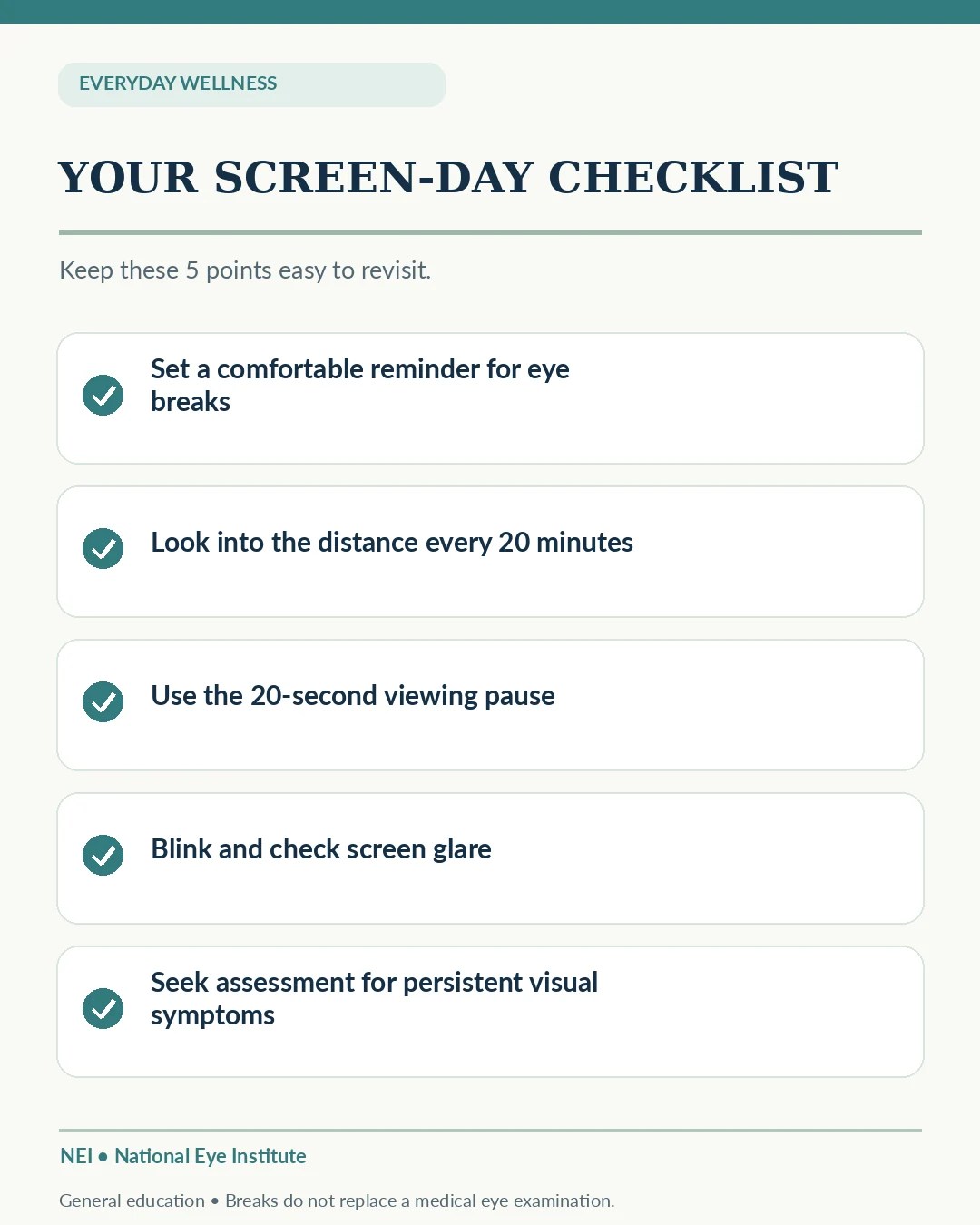
- Choose an easy reminder for a break about every 20 minutes.
- Look at a comfortably distant object for about 20 seconds.
- Blink naturally and avoid rubbing irritated eyes.
- Reduce glare and make on-screen text readable.
- Seek eye-care advice for persistent or concerning symptoms.
Frequently Asked Questions
Do I have to measure exactly 20 feet?
No. NEI’s 20-20-20 rule is an easy-to-remember way to step away from sustained close focus. Pick a distant point that is comfortable and practical.
Can the 20-20-20 rule fix blurry vision?
It is a break strategy, not a diagnosis or treatment. Persistent blurry vision needs an appropriate professional evaluation.
Do these breaks replace my eye exam?
No. Continue recommended eye care based on your own needs.
Official Sources
- National Eye Institute — Keep Your Eyes Healthy
- NEI — Digital Eye Strain and Screen Time Tips
- OSHA — Monitor Placement
Related Articles
- A More Comfortable Home Workspace After 40 — Check chair and monitor position.
- Easy Movement Breaks for Desk Workers — Add short activity breaks.
- A Five-Minute Stress Reset After 40 — Try a gentle pause.
Editorial note: General education, not an eye diagnosis, individualized optometry advice, or a claim of medical review. Images explain a habit and do not prove clinical results. Persistent symptoms should be assessed by a qualified eye-care professional.
